
Workforce Aide logo
Workforce AideBY AXIS SOFTWARE
Field tracking & team management

Your team on the move.
Your work in sync.

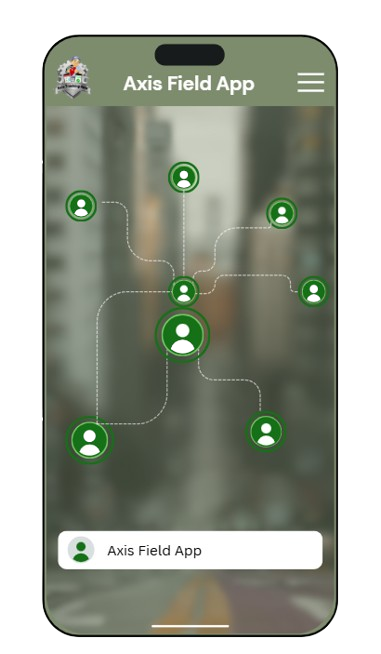
Meet Workforce Aide — a simpler way to manage your field team. Connect tasks, customer visits, service reports, attendance and location history, and keep every working day organized from start to finish.

Tasks · Customers · Attendance · GPS · Leave · Reports · Service

Built for work beyond the office

Everything your field team needs.
Working together.

Less time piecing together updates. More clarity on the work that matters. Workforce Aide brings your day-to-day field activities into one connected workflow.

Task Tracker

Keep every task moving, from the first assignment to final verification.

  • New Tasks
  • In Progress
  • Completed
  • Verified
  • Task Operations
  • Create Task
  • Task Details & Updates

Sales & Customer Tracker

Keep customer contacts, field visits and follow-up details together.

  • Customer Directory
  • Add Customer
  • Customer Details
  • Contact Person Details
  • Visit Details & Logging
  • Visit Activities
  • Visit Remarks
  • Visit History

Attendance

Maintain a clear record of when and where your field team checks in.

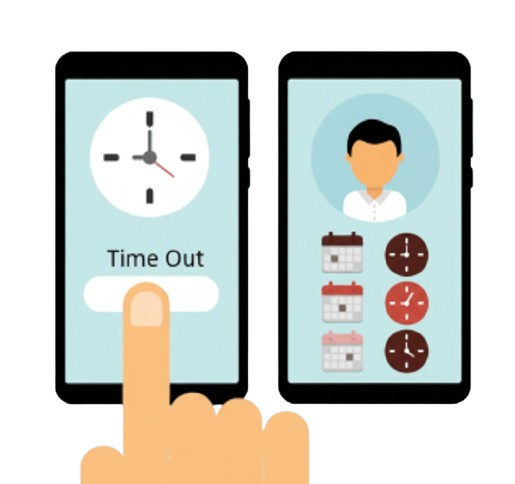
  • Check-In / Check-Out
  • Location & Biometric Capture
  • Attendance History
  • Daily Attendance

Location Tracking

Understand field movement with background GPS tracking and location records.

  • Background GPS Tracking
  • Location History

Leave Management

Give employees a simple way to request leave and review its status.

  • Apply Leave
  • Leaves List: Pending, Approved & Rejected Leaves

Reports & Analytics

Review field records for the period you need with accessible PDF reports.

  • PDF Report Viewer
  • Date Range Filtering
From the first complaint to service completion

Service Reports

Give every service visit a clear, professional record. Bring customer and equipment details, repair notes, before-and-after photos, charges and customer acknowledgement together in a company-branded PDF report.

Customer & equipment records

  • Customer & Contact Person Details
  • Instrument Name, Model & Serial Number
  • Software Version & Installation Date
  • Task Number, Assigned Engineers & Service Type
  • Created / Completed Dates & Time In / Out

Service work & photo records

  • Customer Complaint & Nature of Problem
  • Service Details & Work Performed
  • Before & After Photos
  • Spares Used or Replaced
  • Site Conditions: Power, UPS, Voltage & Workload

Charges & customer acknowledgement

  • Service Charges, Spare Replacement Costs & Total
  • Customer Feedback & Rating
  • Engineer & Customer Signature Fields
  • Service Completion Acknowledgement
  • Company-Branded PDF Service Reports
A more organized working day

Plan the work. Record the visit.
Review the progress.

01. Organize

Create tasks and maintain customer and contact person details so the information your team needs is in place.

02. Capture

Record check-ins and check-outs, log customer visits, and document service work with repair notes, photos and task updates throughout the day.

03. Review

Follow task status through verification, review attendance and location history, and view reports for a selected date range.

Make every field day
a better-organized day.

See how Workforce Aide fits your team's daily routine. Connect with Axis Software to request a demonstration.

Let’s talk about your team’s next step.

Facebook ↗Instagram ↗LinkedIn ↗